
Article by
Chris Niblett
With over 28 years of experience in IT and pre-sales roles, my transition into the hospitality and retail sectors has enabled me to help businesses of all sizes optimise their electronic payments and EPOS systems. My passion for service-driven solutions led me to create PenguinPay, where I provide tailored solutions that drive business success.
A card terminal should do more than take a payment. Face-to-face payment systems in London can integrate with EPOS, bringing in-person transactions into the till workflow, and support Apple Pay and Google Pay when the payment setup accepts contactless wallet payments. The right fit depends on how your business takes payments and how EPOS needs to work at the point of sale.
It’s understandable to want a smooth checkout without adding complexity for staff or customers. This guide explains how EPOS integration works, what to consider for mobile wallet payments and how the right setup can support your day-to-day operations. You’ll also see how to approach a payment solution that fits the way your business serves customers.
Key Takeaways
- Look for an EPOS integration that fits your till workflow and brings in-person transactions into the same process.
- Consider how Apple Pay and Google Pay can be accepted alongside contactless card payments.
- Assess payment providers by how well their in-person payment options fit your business operations.
- Explore integrated EPOS and face-to-face card payment solutions when you want a more connected checkout setup.
Payment integrations with EPOS systems
EPOS integration links a till system with card payments, connecting each transaction to the sales workflow. For a London business, the key is how payments, sales records and staff processes fit together.
EPOS integration and UK payment rules
An EPOS integration connects a till system with a card payment terminal. The till can send the sale total to the terminal, so staff do not need to enter the amount twice. For example, a shop can add items at the till, take payment and record the completed sale in one sequence.
The National Archives states that UK non-bank payment service providers must safeguard relevant funds in accordance with the Payment Services Regulations 2017. This requirement applies to relevant funds held by those providers; it does not set out every merchant’s terminal setup. For a business, the practical integration question is whether the payment confirmation and sale record flow back into its EPOS process.
Professional support with applying for and setting up terminals
Setting up card payments involves arranging payment acceptance and connecting the terminal to the checkout workflow. The system should be configured to suit the business’s payment process and work alongside its EPOS system.
For instance, a café may need payments linked to orders, whilst a retailer may take payment at a staffed till. Mapping those steps helps define how staff enter a sale, receive payment confirmation and issue a receipt. It also clarifies how the terminal will be used during everyday service, before the business begins taking card payments.
Security, chargeback and connectivity risks
A chargeback is a card payment disputed by a customer and returned through the payment process. Security risks include exposure of payment details, while connectivity failures can interrupt communication between a terminal and the payment network.
These issues affect different stages of a transaction. A disputed payment may require clear sales records, while a lost connection can delay authorisation or leave staff uncertain about payment status. Understand the terminal’s connection requirements, how transaction records are handled and what staff should do if a payment does not complete as expected. For a London business with a busy counter, clear procedures help staff respond consistently.
Payment options including Apple Pay and Google Pay
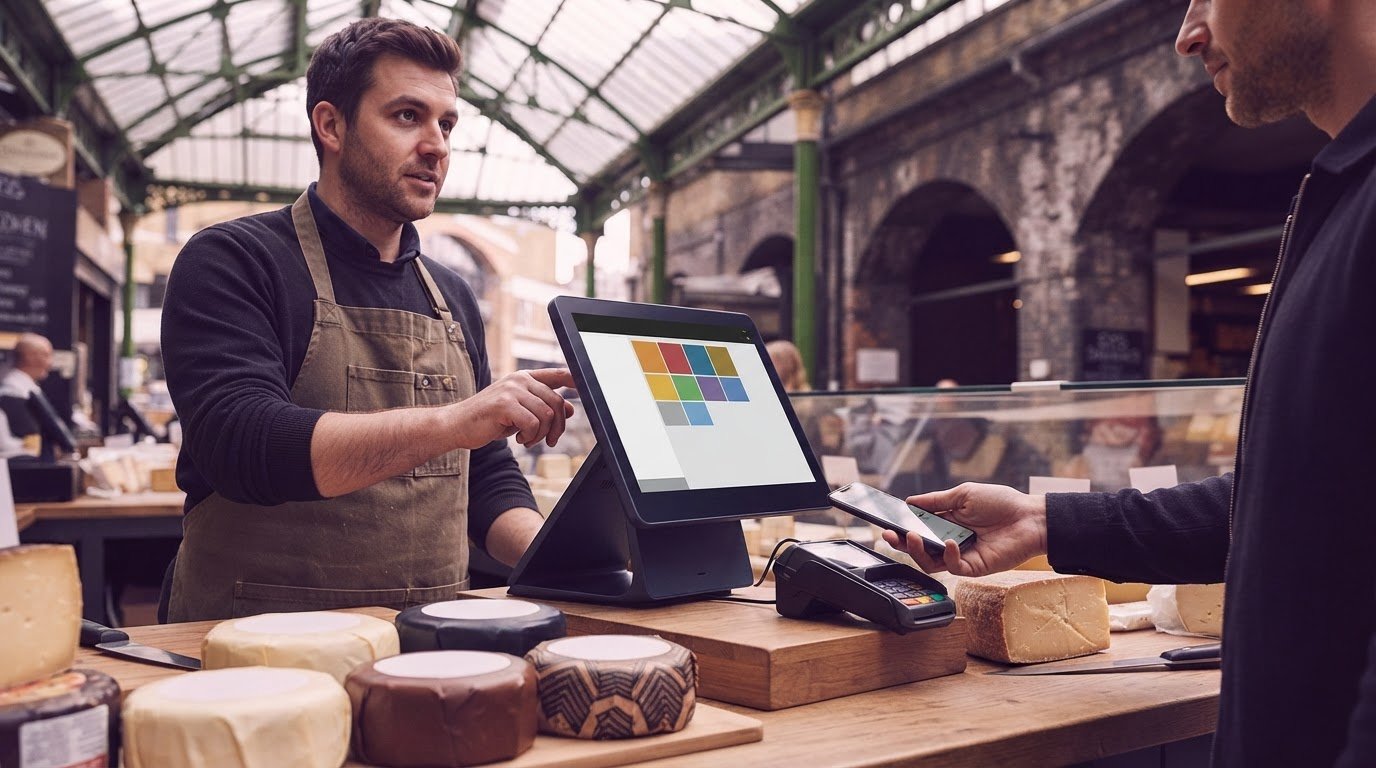
A mobile wallet is a digital way to make a payment using a device. Apple Pay and Google Pay let customers pay in person with a compatible phone or watch. At a London café, for example, a customer can choose a wallet at the till and present their device at the contactless terminal.
Contactless acceptance means the terminal can receive eligible payments without the customer inserting a physical card. The terminal must support contactless wallet payments for Apple Pay and Google Pay transactions. Staff enter or confirm the sale, then the customer follows the terminal prompt. The payment is processed through the business’s card payment setup.
The checkout sequence is simple: the customer selects a payment method on their device, authenticates if prompted and holds the device near the terminal. Staff should check the transaction outcome on the terminal before handing over goods or closing the order.
An EPOS connection can help align mobile wallet transactions with the sale record. For a retailer, this means a customer paying by phone is still recorded against the relevant till transaction. The payment method changes, but staff can retain a consistent checkout process across contactless cards and mobile wallets.
During setup, a provider can explain how contactless acceptance fits the terminal and EPOS workflow. This helps a business plan for queues, staff handovers and customer payment preferences without treating wallet payments as a separate till process. To discuss a suitable face-to-face payment setup, consider how customers pay and how transactions should appear in your sales records.
Choosing card payment providers for London businesses
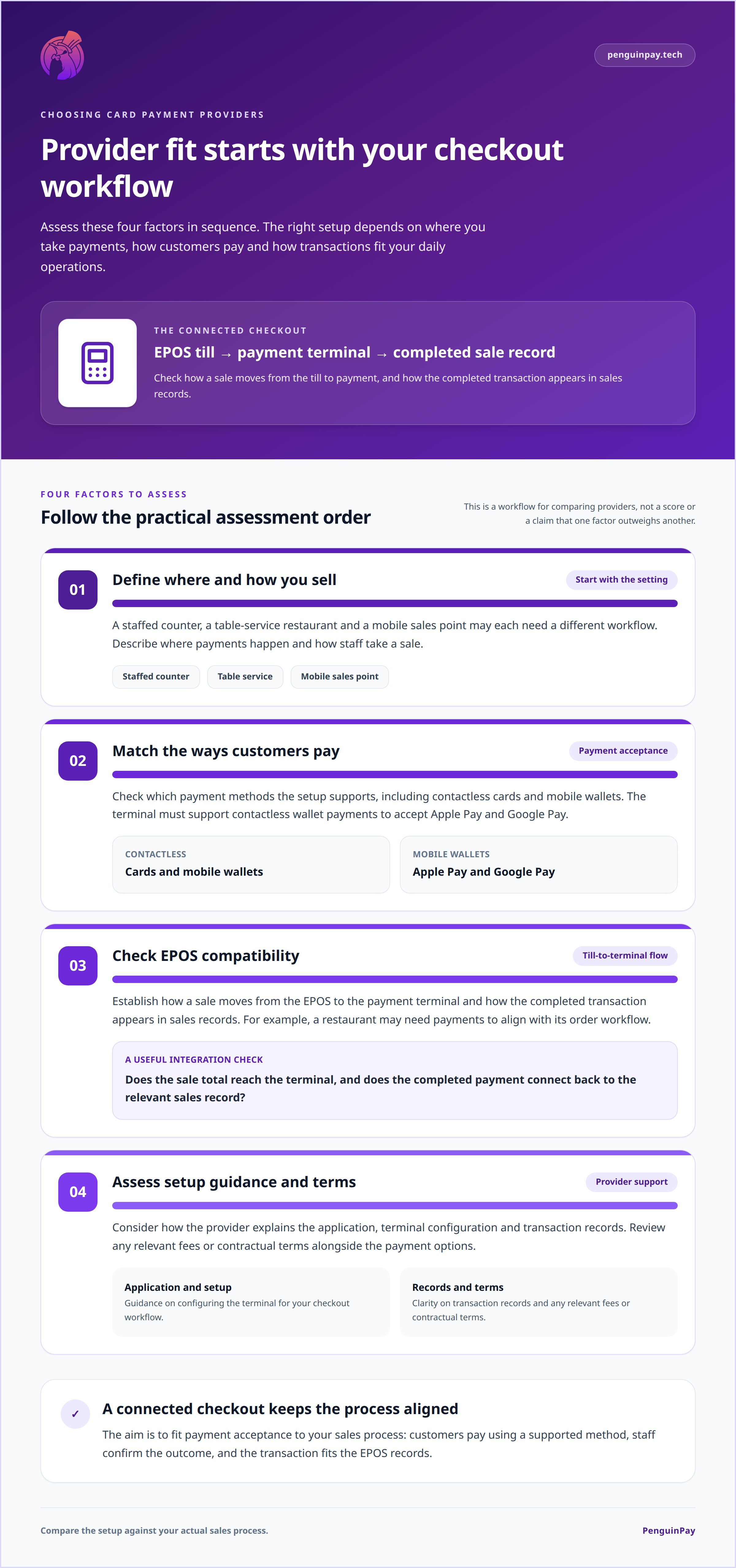
A card payment provider enables a business to accept in-person card transactions. For a London retailer or café, the right setup depends on the checkout process, the ways customers pay and how transactions should be recorded. Start by defining the setting: a staffed counter, a table-service restaurant or a mobile sales point may each need a different workflow.
Payment acceptance is the process of taking and processing a customer’s card payment. Check which payment methods the setup supports, including contactless cards and mobile wallets. Match those options to how customers pay at your till. For example, a shop with a staffed checkout may want a consistent process for card and phone payments.
EPOS compatibility describes how payment acceptance works with a business’s till system. Establish how a sale moves from the EPOS to the payment terminal and how the completed transaction appears in sales records. A restaurant, for example, may need payments to align with its order workflow. Clear answers help show whether the setup suits daily operations.
Provider support covers the guidance available during application and setup. Assess how the provider explains the application, terminal configuration, transaction records and any relevant fees or contractual terms. These details affect the working relationship and the overall fit, so consider them alongside payment options. A useful comparison focuses on your actual sales process, rather than features that won’t serve your business.
For a considered discussion of in-person payment arrangements, speak with a payment specialist about your business requirements.
PenguinPay: Fully Integrated EPOS systems
PenguinPay helps businesses connect in-person card payments with their checkout operations through Fully Integrated EPOS systems and Face-to-Face Card Payments. This can suit a London retailer or hospitality business seeking to link its till workflow with the way customers pay at the counter. Businesses that also take online payments can include E-commerce gateways in their wider payment setup.
The next step is to outline how sales are taken, where payments happen and how transactions should fit into daily operations. That gives PenguinPay a clear starting point for discussing a setup suited to the business’s requirements. If you’re considering integrated EPOS and in-person payments, contact PenguinPay to discuss your needs.
Plan a payment setup around your next stage
Your payment setup should support how the business operates now and its plans for growth. When assessing face-to-face payment systems in London, consider whether the checkout process can adapt to changing customer needs without making things harder for staff.
PenguinPay provides Fully Integrated EPOS systems, Face-to-Face Card Payments and Business Banking. These options can be considered together in light of your business priorities. Start by outlining your sales process, how customers pay and any operational changes you are planning.
Contact PenguinPay to discuss payment options and consider a setup suited to your business. A considered next step can help you move forward with greater clarity.
Frequently Asked Questions
What are face-to-face payment systems for businesses in London?
Face-to-face payment systems let a business accept card payments while serving customers in person. A London market stall may need a portable terminal, while a shop may take payments at a fixed till. Depending on how the business handles sales, the setup can include a terminal, transaction processing and an EPOS connection.
How do card machines, contactless payments and mobile payment terminals compare?
A card machine is the device used to accept a payment; contactless describes a way to pay by tapping a card or device. A mobile payment terminal is designed for taking payments away from a fixed till, such as at a restaurant table or market stall. These terms describe different parts of the payment process, not interchangeable system types.
Which payment systems support Apple Pay, Google Pay and contactless cards?
Choose a payment setup with a contactless-enabled terminal and payment acceptance configured for these methods. Apple Pay and Google Pay can be used with compatible devices, whilst customers may also tap a contactless card. For example, a London shop can offer customers a choice at checkout, with the terminal indicating whether the transaction has been accepted.
Which face-to-face payment systems work with POS software and accounting tools?
Compatibility depends on the specific payment system and software combination. PenguinPay’s Square POS solution integrates with 50+ EPOS solutions. Accounting connections vary by setup, so the important operational detail is how sales and payment records move between systems. This helps businesses avoid fragmented records across till, payment and bookkeeping processes.
How quickly do UK payment providers settle in-person card transactions?
Settlement timing depends on the provider’s processing schedule and the arrangement for transferring funds to the business account. Authorisation confirms whether a transaction can proceed; settlement is the subsequent movement of funds. A London retailer reviewing cash flow should understand the applicable settlement schedule, cut-off arrangements and bank-account processing.